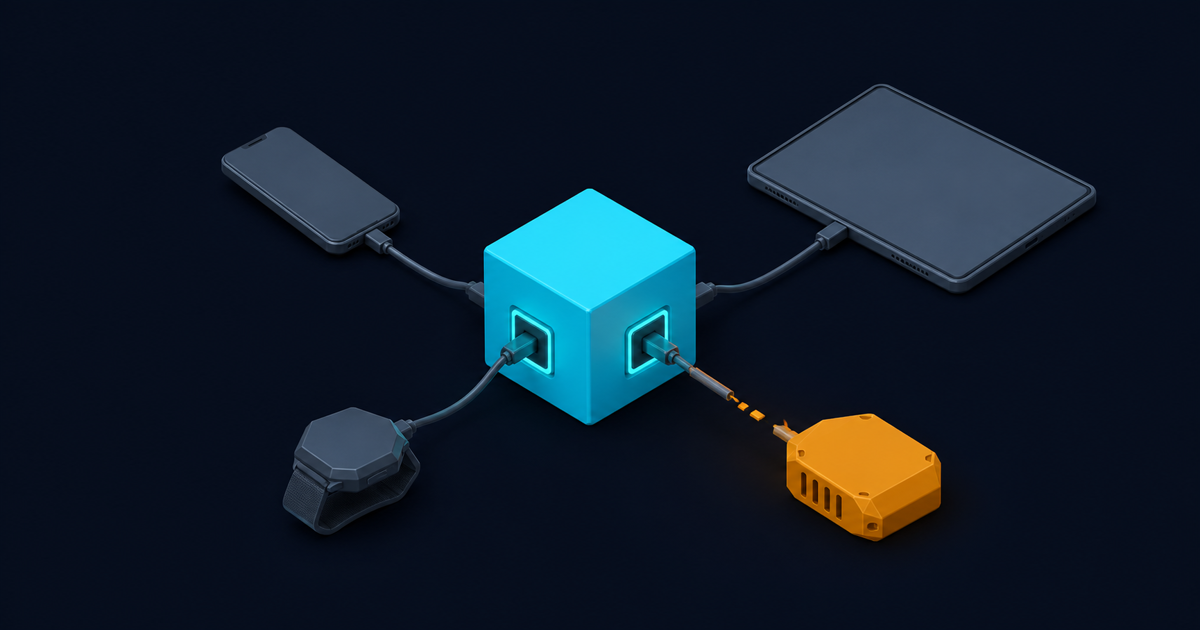
Traditional DAM is a destination. You log in, you browse, you download, you attach. That model assumes a human is in the loop at the moment an asset is needed, and increasingly nobody is.
Short answer: a headless DAM has no front end of its own. It exposes upload, search, metadata and derivation as API calls, and every surface, whether that is a site, an app, a build pipeline or an agent, requests exactly what it needs at the moment it needs it. The practical consequence is that you stop storing variants: one original plus a transformation URL replaces the folder of pre-made crops.
What “headless” actually means here
The term is borrowed from CMS and it means the same thing: the content layer is decoupled from the presentation layer, and the API is the product rather than an afterthought bolted onto an admin interface.
Concretely, a headless DAM gives you:
- An upload endpoint that accepts a file or a remote URL and returns a stable identifier. Cloudinary’s upload API is a reasonable reference for the shape of one.
- A query interface that returns assets by field rather than by path, so you can ask for approved landscape product shots not yet used on the homepage. The Search API does this expression-style.
- Derivation on request. You do not create a thumbnail, you ask for one, and the system produces and caches it.
- An admin API for the things that are not asset content: folders, presets, usage, metadata schemas. Cloudinary splits this out as the Admin API.
Most vendors that call themselves headless will have some UI. That is fine. The test is whether every operation available in the UI is also available over the API, or whether the UI is doing something privileged.
Deriving instead of storing
This is the part that changes your architecture rather than just your vendor.
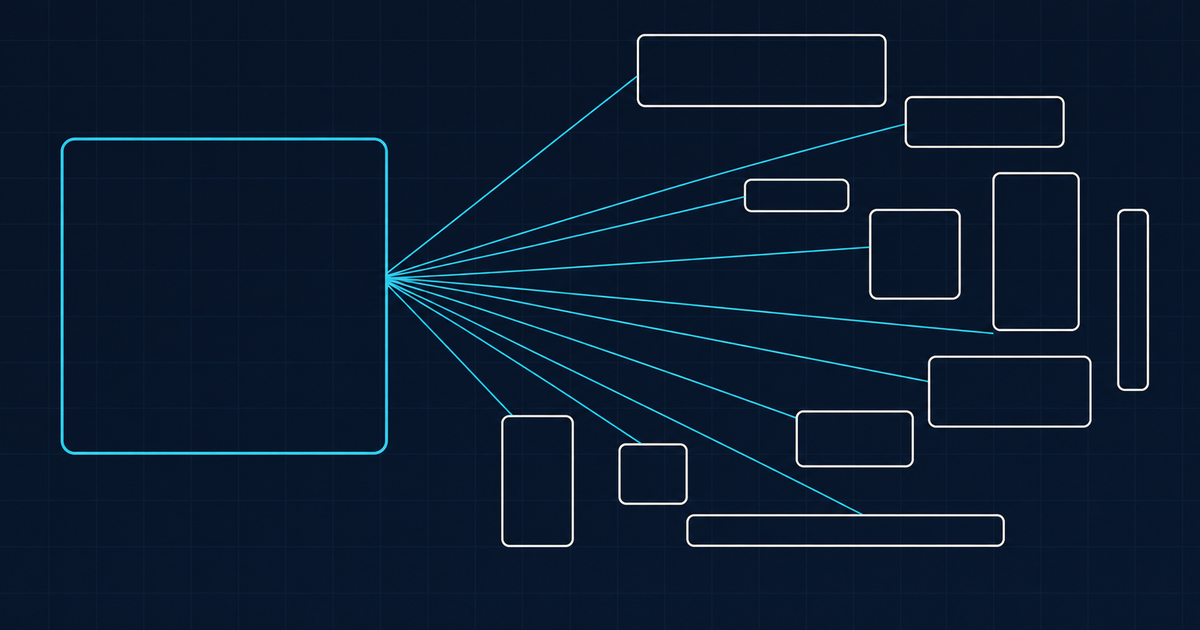
In the stored-variant model, every aspect ratio and size is a file. Eleven placements means eleven files, all created by hand or by a build step, all diverging the moment the original is retouched, and all consuming storage forever including the nine nobody looks at.
In the derived model, there is one original. The 1:1 crop for a card, the 16:9 for a hero, the 400 pixel wide version for a list: each is a URL, generated on first request and cached after.
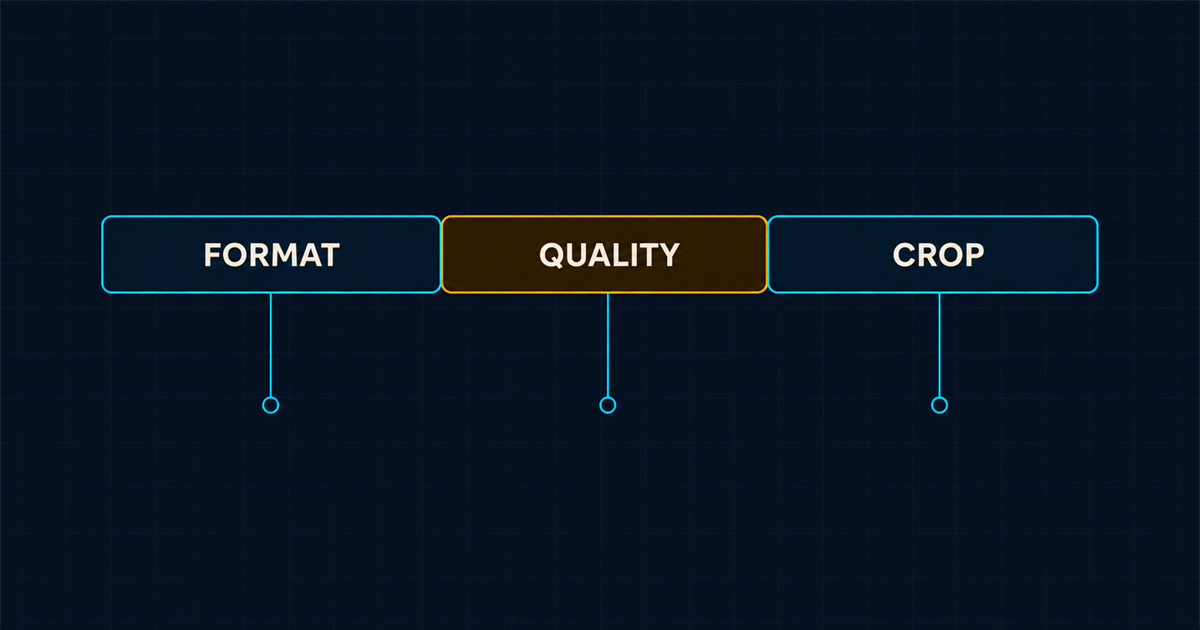
https://res.cloudinary.com/demo/image/upload/f_auto,q_auto,c_fill,g_auto,w_400,h_400/sample.jpgRead that middle segment left to right and you have the whole idea. Automatic format, automatic quality, fill crop, content-aware gravity, 400 by 400. Change the numbers, get a different image, store nothing new. The image optimization docs cover what f_auto and q_auto actually decide, which is mostly negotiating AVIF and WebP against what the requesting browser accepts.
What does a developer actually get from this?
Four things, in descending order of how much they matter.
No variant management. The single largest source of media bugs in most codebases is a missing or stale derivative. It stops existing as a category of bug.
Responsive without a build step. Serving the right size to the right viewport becomes a matter of generating a srcset from a width list rather than pre-rendering one. Responsive image handling and the MDN img reference between them cover the markup side, and image weight is still one of the most reliable LCP problems on a page.
Every surface reads the same source. Web, native app, email, partner feed and print export all resolve to the same original with different parameters. When the master changes, they all change.
Callers that are not people work at all. A build script or a coding agent cannot browse a library. It can run a query. This is the whole reason agent-driven media work needs an asset store rather than a bucket.
Where headless costs you
Two real costs, and vendors are quiet about both.
Non-technical users need a surface, and headless does not give them one. Your photographers, brand managers and agency partners are not going to POST to an endpoint. Either the vendor ships a decent library UI on top of the API, or you build one, or those people keep working in a shared drive and your library rots from the edges. Check what the embeddable options look like: a media library widget you can drop into your own admin is often the difference between adoption and abandonment.
Governance is easier to skip. When the interface is an API, nobody is forced past an approval workflow, and the discipline that a heavyweight DAM imposes structurally has to be implemented by you. If your problem is brand control across a large marketing organisation, a headless-first tool may be solving the wrong half of it. That is a real reason some teams should buy a brand-led platform instead.
A sane starting shape
If you are wiring this into an existing codebase, the order that causes least pain:
- Upload through a preset, not through raw parameters. Upload presets pin folder, format, size caps and required fields server-side, so a client cannot get it wrong.
- Store the identifier, never the URL. URLs encode transformations, and transformations change. Public identifiers do not.
- Generate delivery URLs at render time from the identifier plus the parameters that placement needs.
- Put the descriptive fields in first. An API-first library with empty metadata is a bucket with better documentation, which is why metadata is the whole product.
Point four is where most headless implementations quietly fail. The API is easy and the schema is the work.
Is headless the right category for you?
If your assets are consumed mostly by software, if you have more than one front end, or if variants currently live as files in your repository, then yes, and the migration is usually less painful than expected because the identifiers can be introduced gradually alongside existing paths. There is a phased approach in migrating off shared drives.
If your assets are consumed mostly by people, in a browser, with approval steps in between, a headless tool will feel like a kit of parts. Start instead from what digital asset management actually is and work out which half of the problem is yours.
Related field note
Continue with The rollback plan for rendition governance.